BUILD & OPERATE
Automate It With AI
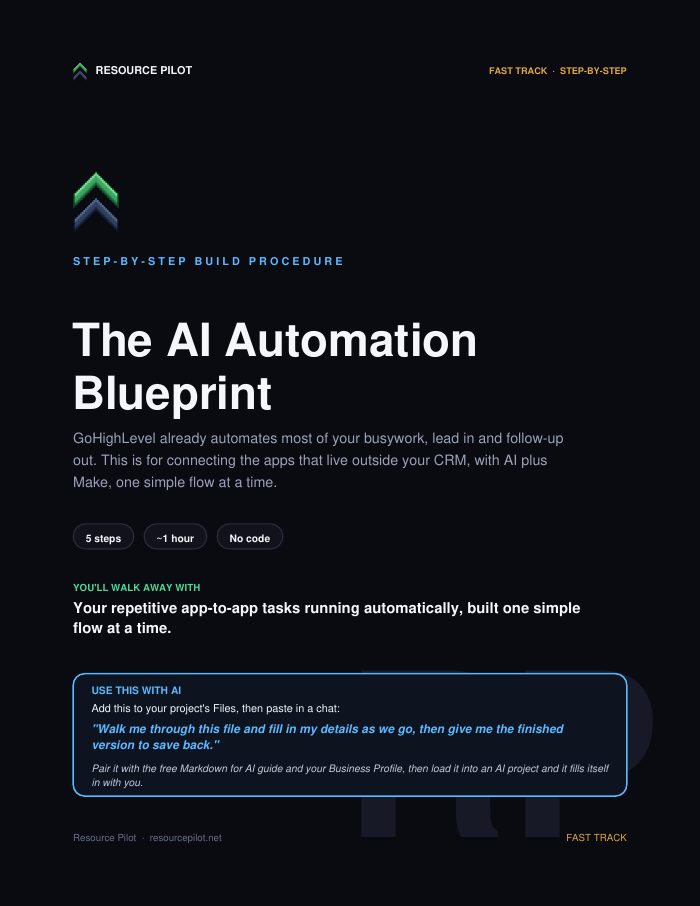
Connect your apps with Make or n8n so the busywork runs itself. Leads logged, follow-ups sent, tasks done, while you work.
What it solves
Some busywork lives between apps your CRM does not touch, like a form that should land in a spreadsheet. This blueprint has AI map one small flow at a time, the trigger, each step, and the apps, then you build it in GoHighLevel or Make, add an AI step if it helps, and test it.
What this is worth: An AI consultant charges $2,000+ to set this up. Here you build it yourself.
What is inside
- A pick one flow step that starts with a single small app to app task.
- An AI mapping prompt that returns the trigger, each step, and the apps in order.
- A build guide for GoHighLevel inside your CRM, or Make for apps outside it.
- An optional AI step that writes, summarizes, or sorts data in the middle of a flow.
- A test and switch on routine: run it once, fix failed steps, then let it run.
One time
Instant download with a copy-paste AI prompt. Yours to keep.
48-Hour Refund Policy. If this is not right for you, tell us within 48 hours of your purchase and we will refund you. After 48 hours all sales are final.
By completing your purchase you agree to our Terms and Refund Policy.
Or get all of The Fast Track in one move →What is next
More from The Fast Track
- Build Your Own AI AssistantA saved AI that writes your repeat work in your voice, replies, quotes, posts, so you just approve and send. Hours back every week.$47
- The AI Funnel BuilderBuild a lead funnel with AI as your copywriter and strategist. The offer, the page, and the follow-up, drafted for you in an afternoon.$47
- The AI ReceptionistNever lose a job to a missed call. Set up a Voice AI that answers, qualifies, and books callers into your calendar, day and night.$19
Questions, answered
Not for tasks inside your CRM. The file says GoHighLevel builds those with no extra tool. Make is for connecting apps that live outside your CRM, and both are drag and drop with no code.
No. You create a scenario, add the trigger, add each action the AI listed, and connect your accounts when asked. The file describes both GoHighLevel and Make as drag and drop.
One small, clear task you do by hand every week, such as a form going to a spreadsheet, a lead getting tagged, or a message getting sent. The file says small and clear beats big and complex, and you add more once it works.
Last updated